
Customization
Customize your Gundam in GUNDAM ROGUE ORBIT — custom colors, loadouts, parts and AP-U combos, plus every color pack and skin set revealed for launch.
Introduction
The Customization section covers the tools that make your GUNDAM ROGUE ORBIT mobile suit uniquely yours. Beyond the combat loadout built from parts and Apocalypse Units, the game offers deep cosmetic personalization: custom colors let you repaint your machine, loadouts save complete part-and-color setups for instant switching, and the Deluxe Edition bundles a Mobile Suit Color Pack and Premium MOD Skins Set for extra options. The pre-order bonus Earth Blue Color Customization is also part of this system, unlocking a signature color scheme early. This hub walks through every customization layer announced so far, helping you plan how your Gundam will look and feel on day one.
Customization Options
| Option | What It Does | Source |
|---|---|---|
| Custom Colors | Repaint your mobile suit | Base game / Deluxe pack |
| Loadouts | Save parts + AP-U + colors together | Base game |
| Earth Blue | Signature pre-order color scheme | Pre-order bonus |
| Premium MOD Skins | Cosmetic skin set for equipment | Deluxe Edition |
Customization Layers
Custom Colors
Repaint your machine to match your identity
Loadouts
Save complete builds, swap in seconds
Earth Blue
The pre-order signature color
Deluxe Cosmetics
Color Pack + Premium MOD Skins Set
Core Mechanics
Customization in GUNDAM ROGUE ORBIT works in layers. The combat loadout comes first: parts define the frame, Apocalypse Units shape combat behavior, and weapons determine your available skills. Cosmetic customization then sits on top of that combat identity — custom colors repaint the machine, and saved loadouts capture both the functional parts and the visual scheme together. The pre-order Earth Blue Color Customization and the Deluxe Edition's Mobile Suit Color Pack expand your color options, while the Premium MOD Skins Set adds cosmetic flair to equipment. Because loadouts bundle function and appearance, you can maintain several distinct identities — a blue speed build for solo missions and a red aggro build for co-op — and switch between them in seconds without losing either the performance or the look.
Advantages
The customization system is one of the game's biggest selling points. It lets every player field a Gundam that matches their combat strategy and personal taste, which is exactly the fantasy Gundam fans want. The loadout system removes friction — you can experiment with different parts and AP-U combinations without losing your favorite setup, and you can maintain multiple builds for different missions or squad roles. The cosmetic options (custom colors, Earth Blue, Color Pack, MOD Skins) mean your machine can be visually unique even when the roster of confirmed suits is small. For collectors, the tie-in with model kits adds real-world appeal to the in-game customization.
Challenges
The main limitation right now is that Bandai Namco has not detailed the full customization UI or the exact color options available at launch. We know custom colors and loadouts exist, but the depth of the color editor, whether presets are available, and how many custom loadout slots you get are unconfirmed. Cosmetic content is also tied to paid tiers — the Earth Blue bonus requires a pre-order, and the Color Pack and MOD Skins require the Deluxe Edition — so free-to-play-style expectations about abundant cosmetic content do not apply here. Post-launch, balance or cosmetic updates could also change the system, so current descriptions should be treated as an overview rather than a final feature list.
Frequently Asked Questions
How do custom colors work in GUNDAM ROGUE ORBIT?+
What is the Earth Blue pre-order bonus?+
Do loadouts save colors too?+
Quick Tips
Save your favorite color scheme as part of a loadout right away, because recreating it from memory later is much harder than it sounds. The customization menu lets you combine parts, Apocalypse Units and colors into a single saved loadout, so building your look and your combat setup together means you never have to reconstruct either from scratch when you want to switch between solo and co-op play.
Use high-contrast panels in your color scheme so your own machine is easy to track during fast-paced fights. When the battlefield fills with explosions, enemy fire and particle effects, a low-contrast paint job can make your mobile suit blend into the chaos. Bold, distinct panel colors help you keep your bearings, aim your attacks and avoid friendly-fire confusion in co-op sessions.
If cosmetics matter to you, the Deluxe Edition bundles the Mobile Suit Color Pack and Premium MOD Skins Set in one purchase, which is almost always cheaper than buying individual cosmetic items later. Before you commit, look at the full Deluxe contents — including the Mission Reward Booster and Digital Artwork & Music Selection — and decide whether the extras justify the price difference over the Standard Edition for how you plan to play.
Featured
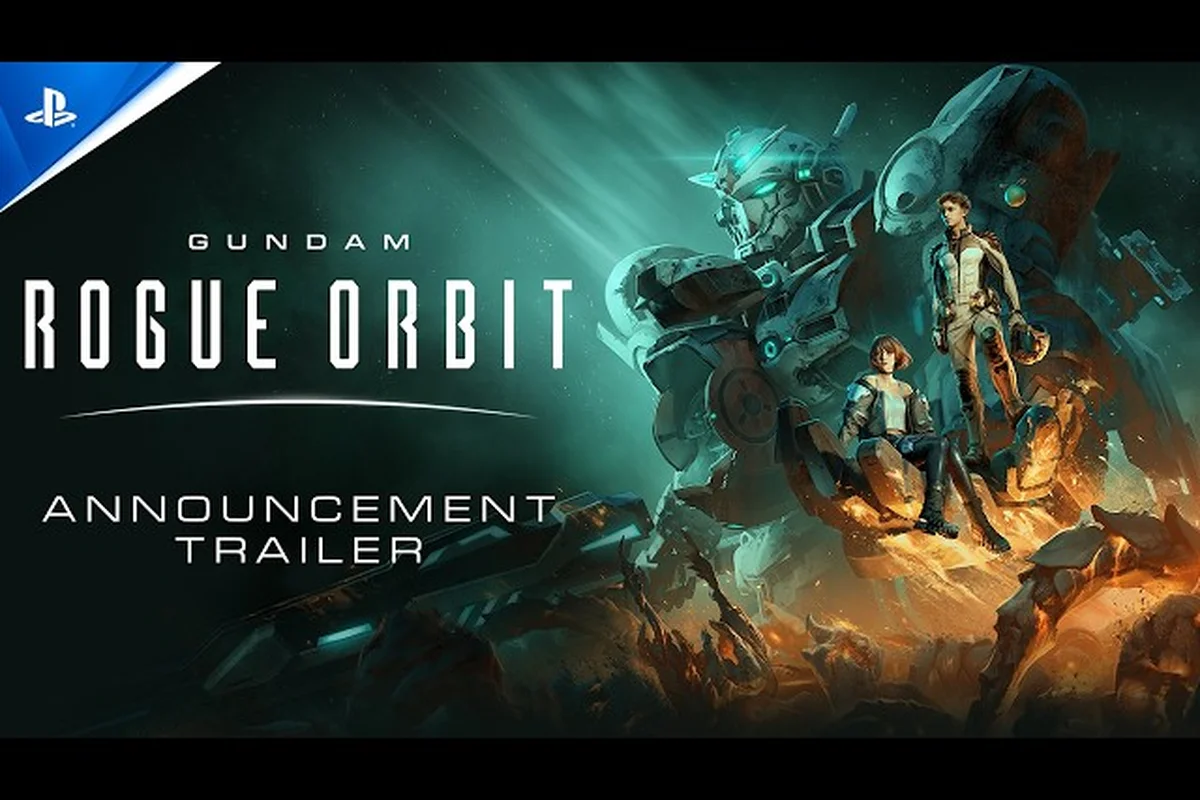
GUNDAM ROGUE ORBIT Custom Colors: Paint Packs & Schemes
Repaint your hangar with GUNDAM ROGUE ORBIT custom colors, mobile suit color packs, and premium mod skins to make every loadout look as sharp as it fights.
GUNDAM ROGUE ORBIT Decal Guide: Emblems & Paint Pairings
Layer emblems and decals in the GUNDAM ROGUE ORBIT decal guide with placement tips, paint pairings, and how decals interact with unlocked skins.
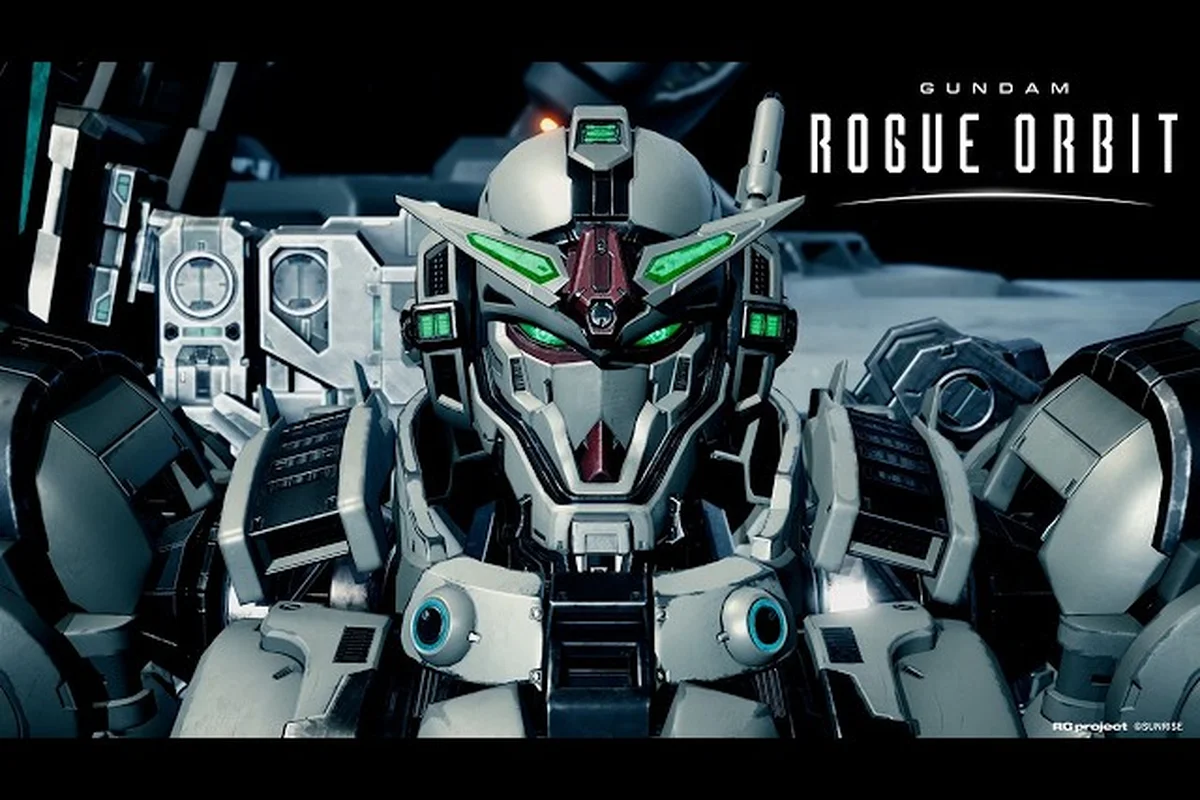
GUNDAM ROGUE ORBIT Earth Blue Color: Unlock & Apply
Get the classic Earth Blue mobile suit colorway in GUNDAM ROGUE ORBIT with unlock steps, color slot setup, and application tips for every GUNDAM HELIX pilot.
All Articles
GUNDAM ROGUE ORBIT Gundam Skins: Armor, Colors & Fashion
Stand out with the GUNDAM ROGUE ORBIT gundam skins guide: armor colorways, custom part swaps, and ways to turn your GUNDAM HELIX into a signature loadout.
GUNDAM ROGUE ORBIT Cosmetic Guide: Paints, Parts & Variants
Reshape your mobile suit with the GUNDAM ROGUE ORBIT cosmetic guide covering paint options, visible part swaps, and premium mod skin variants.
GUNDAM ROGUE ORBIT Customization Menu: Palettes & Slots
Master the GUNDAM ROGUE ORBIT customization menu with preset palettes, loadout slots, and weapon skin options for fast changes between runs.